Battle.net Game Key Activation
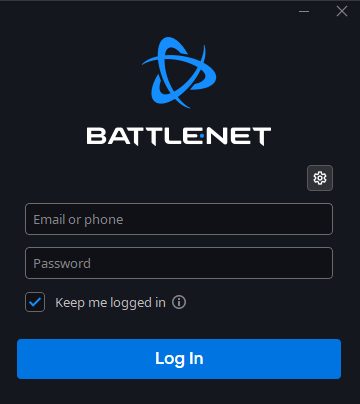
1. Start by logging into your Battle.net account.
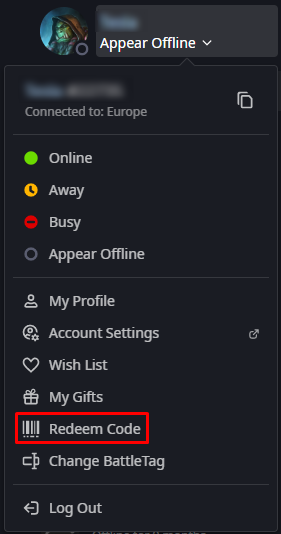
2. Once logged in, navigate to the upper right corner where you’ll find your account name. Click on it and select “Redeem code”.
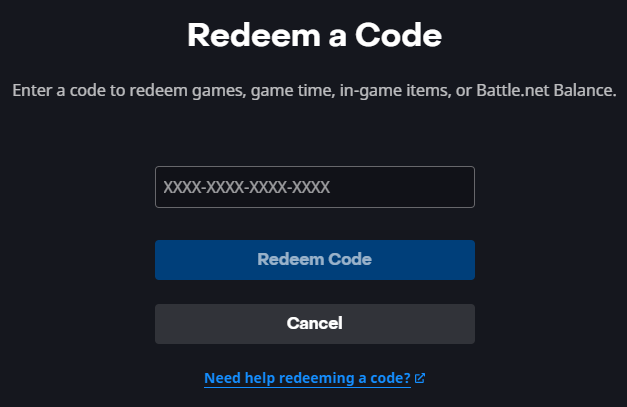
3. Enter your code and click “Redeem Code”.
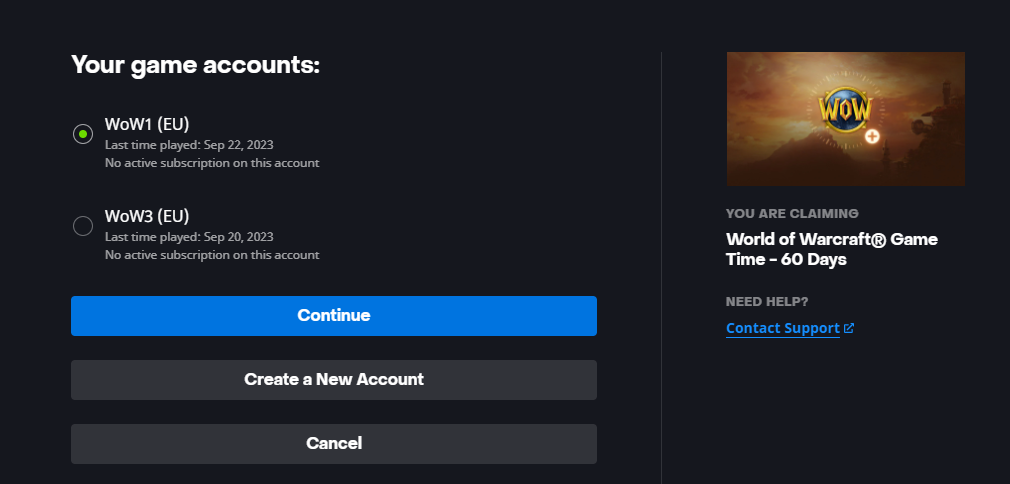
4. Select the account and click “Continue”.
5. Click “Confirm”.
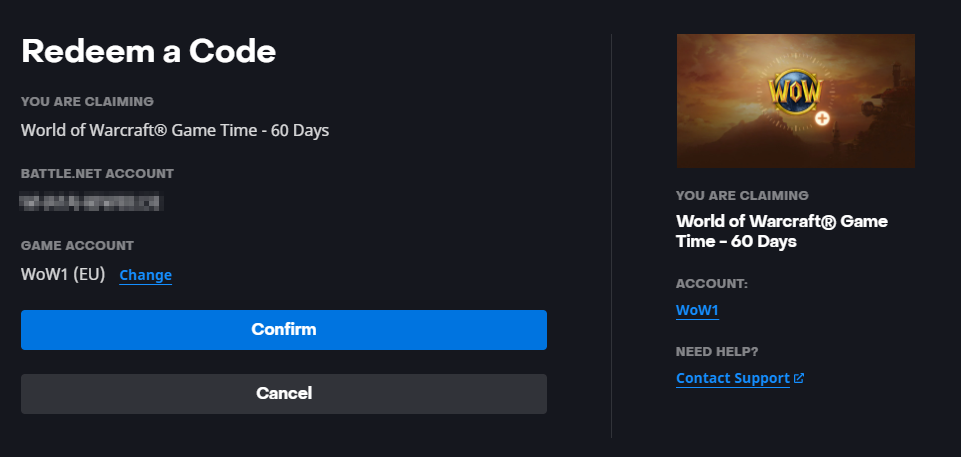
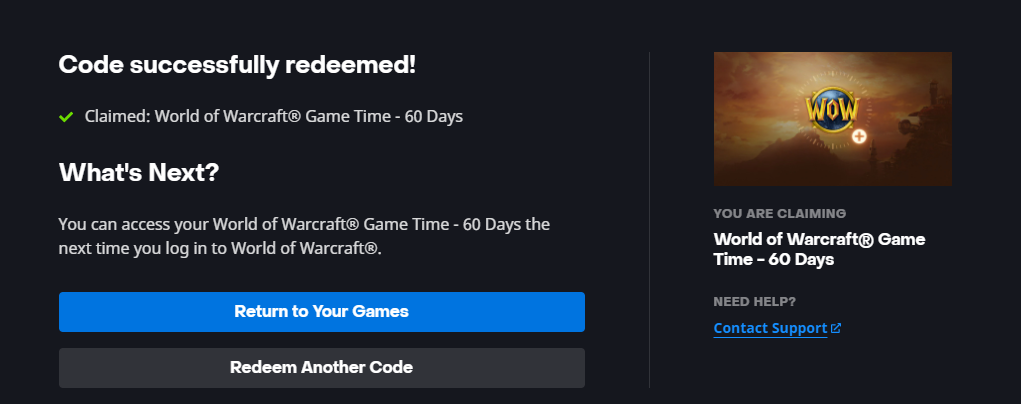
6. Upon completion, a confirmation notice should display indicating successful code redemption.


+15 More

Digital Aura Portal - FZCO
Building A1, Dubai Digital Park, Dubai Silicon Oasis, Dubai, United Arab Emirates Premises Number 72647 - 001
Business registration number: 70647


gamer-choice.com © 2026