


+15 More

Digital Aura Portal - FZCO
Building A1, Dubai Digital Park, Dubai Silicon Oasis, Dubai, United Arab Emirates Premises Number 72647 - 001
Business registration number: 70647


gamer-choice.com © 2026
Digital Aura Portal - FZCO
Building A1, Dubai Digital Park, Dubai Silicon Oasis, Dubai, United Arab Emirates Premises Number 72647 - 001
Business registration number: 70647
 November 06, 20254 min ReadElsa
Throne and Liberty showcases stunning visuals, making it stand out as one of the most beautiful modern MMORPGs available today. Thanks to its free-to-play model, countless players across different regions can enjoy the game—whether they’re running on high-end or more modest PCs. Fortunately, the game also offers a range of adjustable settings, allowing you to fine-tune your visual experience or enhance overall performance. This guide will walk you through the best configurations for achieving the ideal balance between performance and graphical fidelity.

Buy Throne and Liberty Lucent
Stock up on Lucent and power up your build!

Before optimizing your setup, it’s essential to understand the system requirements. Throne and Liberty isn’t overly demanding on hardware, but it still benefits from a solid PC setup. The game lists both minimum and recommended specifications, so you can tailor your in-game adjustments based on what your system can handle.
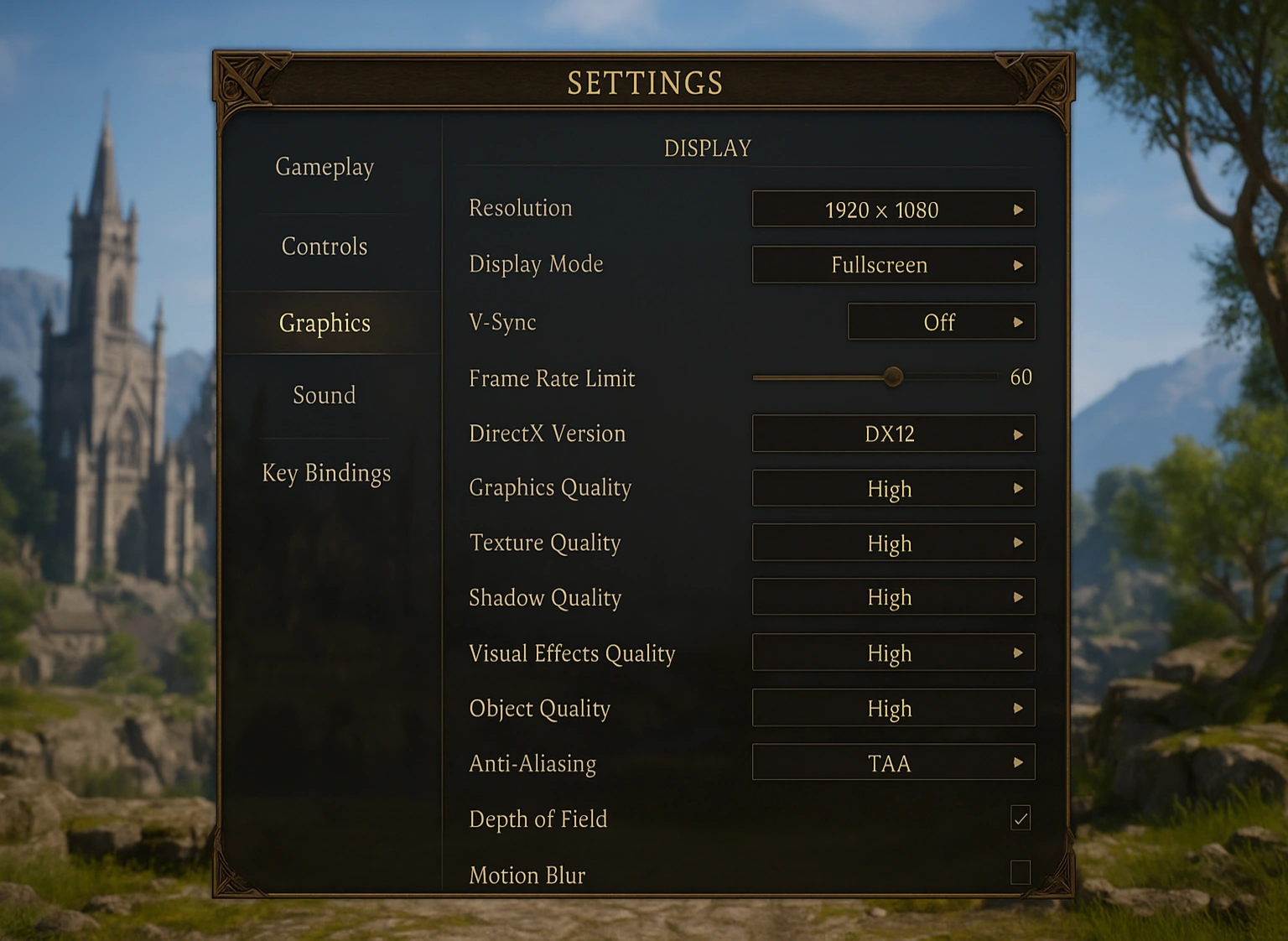
Generally speaking, if your hardware exceeds the recommended specifications, you should be able to run the game smoothly on higher settings. Players who meet the recommended setup can choose to prioritize either visuals or performance depending on their preferences. However, if your PC meets only the minimum requirements, focusing on performance tweaks to boost FPS and ensure stability is your best approach.
For gamers running on lower-end PCs, this configuration is designed to maximize stability and frame rate. Even players with more capable setups might prefer these adjustments if they want ultra-smooth gameplay. Keep in mind, though, that these settings significantly tone down the game’s graphical details to achieve the best FPS possible.
This balanced configuration provides the best of both worlds—great visual quality while maintaining smooth gameplay. It’s ideal for players with setups that meet or exceed the recommended specs. Those with weaker systems, however, should stick to performance-focused settings for the most consistent experience.

Buy Throne and Libert Items
Grab rare T&L items for any class now!
We strongly advise turning off Camera Shake and Delay Camera Rotations. While these options don’t directly influence graphics or FPS, they can impact your gameplay comfort. Many players report experiencing dizziness with Camera Shake enabled, and the Delay Camera Rotations setting can reduce responsiveness in fast-paced moments. For the smoothest and most comfortable gameplay experience, it’s best to disable both options.
Whether you’re chasing the smoothest frame rate or the most immersive visuals, these configurations will help you get the most out of Throne and Liberty. For more helpful gaming tips and performance tweaks, make sure to check out Gamer Choice — your trusted source for game optimization and settings guides.