


+15 More

Digital Aura Portal - FZCO
Building A1, Dubai Digital Park, Dubai Silicon Oasis, Dubai, United Arab Emirates Premises Number 72647 - 001
Business registration number: 70647


gamer-choice.com © 2026
Digital Aura Portal - FZCO
Building A1, Dubai Digital Park, Dubai Silicon Oasis, Dubai, United Arab Emirates Premises Number 72647 - 001
Business registration number: 70647
 April 04, 20253 min ReadElsa
Want to join the vast world of Discord? This guide will walk you through creating new Discord account on both desktop and mobile. Whether you're a gamer, content creator, or community manager, getting started on Discord is easier than you think. Plus, if you're in the market for verified or aged Discord accounts, Gamer Choice is the trusted platform for secure trades and instant delivery.
Here’s a detailed breakdown to help you set up your account on PC and mobile.
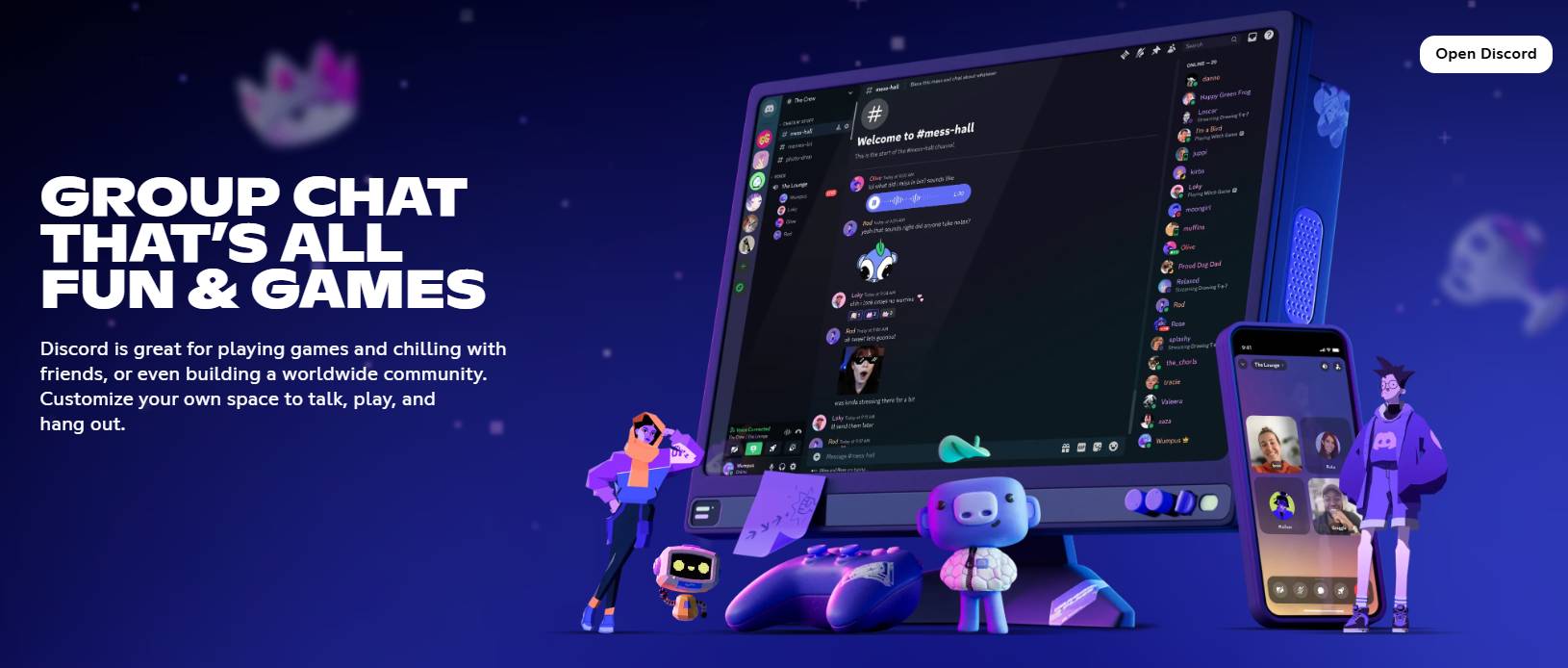
Launch your browser and head to discord.com. Click the “Register” button to begin creating your new Discord account.
Provide the following:
Click “Continue” once done.
To prove you're not a bot, complete the CAPTCHA challenge as prompted.
Open your email inbox and find the message from Discord. Click the “Verify Email” link to complete the setup.
Log in using your new details. Then, you can:
Now you're ready to explore Discord on your PC!
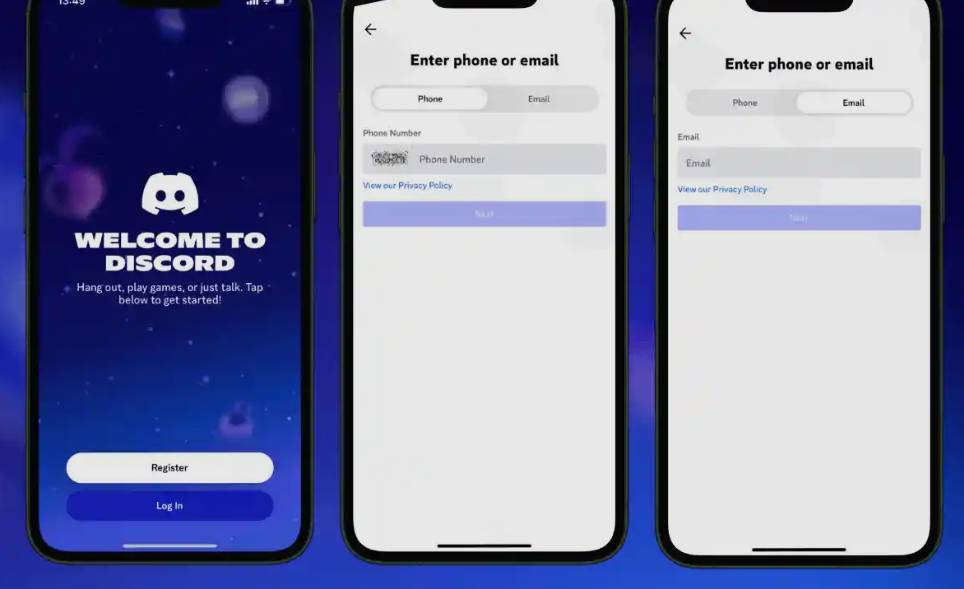
Search for the Discord app in the Google Play Store or Apple App Store. Download and open it.
Once the app launches, tap “Register” to begin the signup process.
Choose one of two sign-up options:
Click the link in your email or enter the SMS code to verify your account.
Pick a unique username and a secure password. Tap “Next” to proceed.
Input your birthdate to comply with Discord’s age policy and tap “Create Account.”
Here you can:
That’s it — your mobile Discord account is now active!
If you’re searching for verified, aged, or special-purpose Discord accounts, Gamer Choice is your go-to digital marketplace. From community managers to moderators, everyone can benefit from our secure buying, selling, and trading services.
Buy Discord Accounts at Gamer Choice
Visit Gamer Choice today and explore premium Discord accounts at competitive rates.
Can I make a Discord account without a phone number?
Yes. You can use just your email. However, phone verification may be required for added security later on.
Is creating a Discord account free?
Absolutely! You can register and use most features at no cost.
Can I manage multiple Discord accounts?
Yes, with Discord’s Account Switcher, you can toggle between up to five accounts.
Can I reuse the same email for more than one account?
No. Each Discord account must have a unique email.
Forgot your password?
Click “Forgot Password” on the login screen and follow the reset instructions via your email.
Now that you’re equipped with everything you need for creating a new Discord account, it’s time to dive in and join the action. And if you're looking to fast-track your experience, check out the premium Discord accounts available only at Gamer Choice!