EA Desktop Application – Activation Guide
1. Download and install the EA Desktop App from the official EA site: EA Official Site.
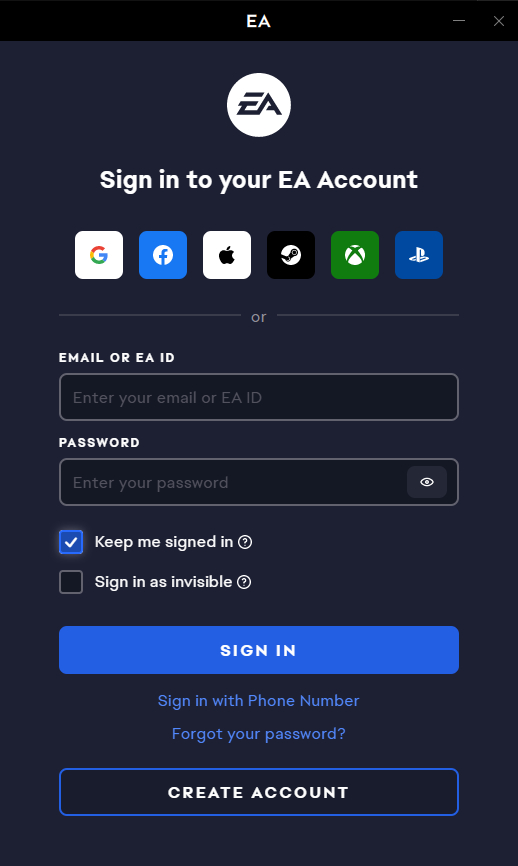
2. Open the app and log in or create a new account.
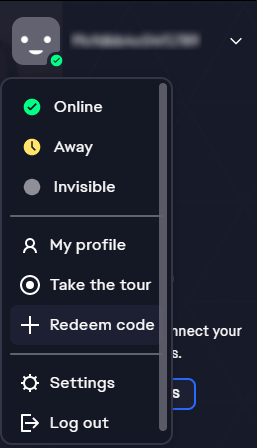
3. In the upper corner of the Origin window click on your profile picture and select “Redeem code”.
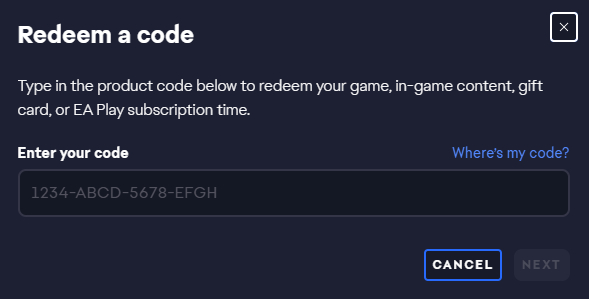
4. Enter your game key and follow the prompts to complete the activation process.
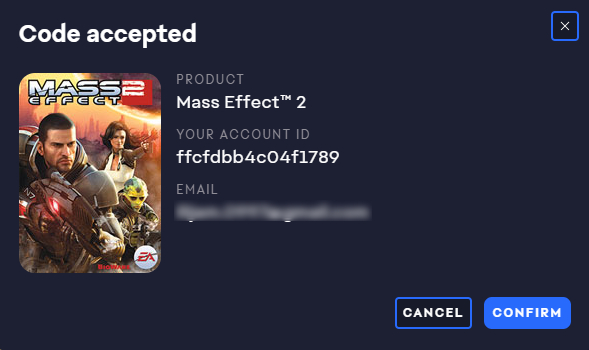
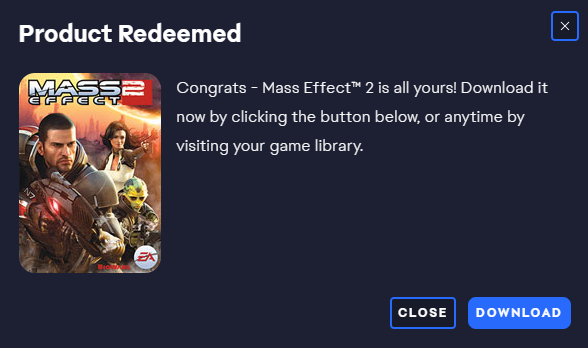
5. Confirm the redemption of your code by clicking “Confirm”.
6. In the next step you will be prompted to download the game.


+15 More

Digital Aura Portal - FZCO
Building A1, Dubai Digital Park, Dubai Silicon Oasis, Dubai, United Arab Emirates Premises Number 72647 - 001
Business registration number: 70647


gamer-choice.com © 2026