


+15 More

Digital Aura Portal - FZCO
Building A1, Dubai Digital Park, Dubai Silicon Oasis, Dubai, United Arab Emirates Premises Number 72647 - 001
Business registration number: 70647


gamer-choice.com © 2026
Digital Aura Portal - FZCO
Building A1, Dubai Digital Park, Dubai Silicon Oasis, Dubai, United Arab Emirates Premises Number 72647 - 001
Business registration number: 70647
 February 20, 20253 min ReadElsa
Marvel Rivals error code 211 is a connection error that prevents players from launching the game through Steam. Certain network or game file issues can lead to this problem, making it frustrating for those eager to play. Below, we’ll go over the best fixes so you can get back into the action quickly.
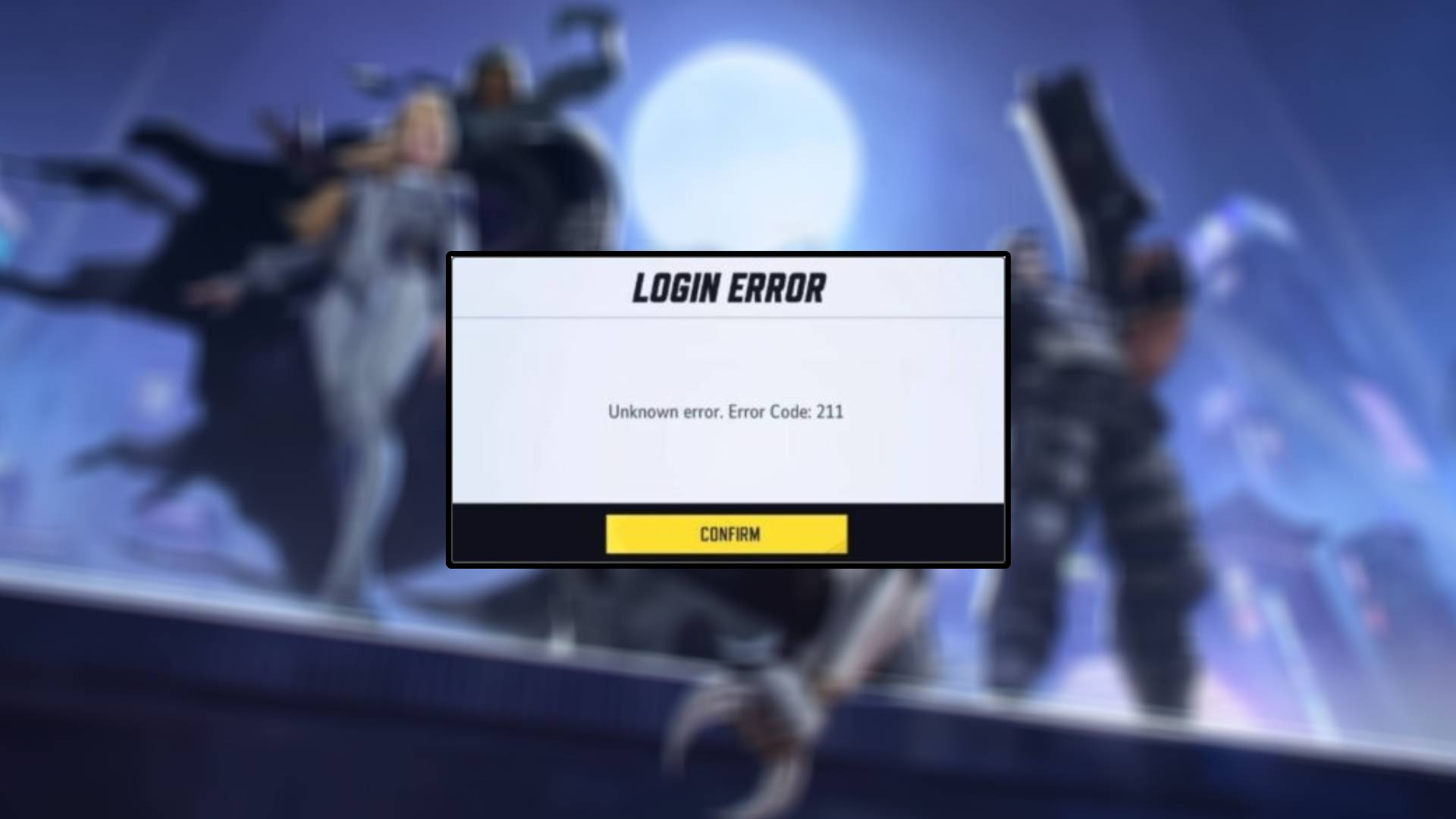
This error can be triggered by several factors, including:
While the exact cause remains unclear, a developer post on the game’s subreddit referenced a similar issue as a potential bug. A permanent fix may come in future updates, but for now, follow these troubleshooting steps to resolve Marvel Rivals error code 211.
One of the most common reasons for Marvel Rivals error code 211 is a server outage or maintenance. To verify if the game is currently experiencing issues, check its official Twitter or Discord. If no issues are reported but you still can’t access the game, the problem might be on your end.
Server blockers allow players to limit which regions they connect to, but in some cases, they interfere with a stable connection. This is especially common in new games like Marvel Rivals.
If you are using a server-blocking tool (even for a different game), consider turning it off and trying to launch the game again. If this doesn’t fix the issue, there may be another connection-related problem.
A stable connection is crucial when playing online games. Using a wired Ethernet connection instead of Wi-Fi can help improve speed and reliability. If the issue persists, try switching to a mobile hotspot to see if the error disappears.
If Marvel Rivals error code 211 still occurs, it may be worth trying to connect from a different region.
A VPN (Virtual Private Network) allows you to change your connection location, which can help bypass potential regional restrictions. Many players have successfully used this method to regain access to online servers.
Your device’s DNS cache may be interfering with your ability to connect to Marvel Rivals servers. Clearing it is a simple and effective solution:
This will reset your connection settings, making it feel like you are connecting to the servers for the first time. It’s a reliable fix for many network-related errors.
If Marvel Rivals error code 211 persists, there’s a chance that corrupted game files are causing the issue. Fortunately, Steam allows you to verify and repair missing or damaged files easily:
This process will scan for any problematic files and replace them if needed, which may resolve the error.
Facing Marvel Rivals error code 211 can be frustrating, but with the right troubleshooting steps, you can get back into the game quickly. Whether it’s checking the server status, disabling blockers, or verifying game files, these fixes should help resolve the issue.
If you want to enhance your gameplay experience even further, consider Marvel Rivals boosting services to gain a competitive edge. A boost can help you unlock heroes, level up faster, and maximize your performance in every match!