


+15 More

Digital Aura Portal - FZCO
Building A1, Dubai Digital Park, Dubai Silicon Oasis, Dubai, United Arab Emirates Premises Number 72647 - 001
Business registration number: 70647


gamer-choice.com © 2026
Digital Aura Portal - FZCO
Building A1, Dubai Digital Park, Dubai Silicon Oasis, Dubai, United Arab Emirates Premises Number 72647 - 001
Business registration number: 70647
 February 06, 20267 min ReadElsa
Boosting FPS on your PC can transform your gaming experience. Higher FPS means smoother gameplay and more responsive controls.
Many gamers struggle with low FPS, which can ruin the fun. But don't worry, there are solutions.
This guide will show you how to increase FPS on your PC. You'll learn practical tips and tricks to enhance performance.
From updating drivers to optimizing settings, these steps are easy to follow. Even small changes can make a big difference.
Ready to boost your PC's FPS? Let's dive into the best ways to improve your gaming performance.
This guide explains what FPS is, why it matters for smooth and responsive gameplay, and how to boost it on any PC. It covers quick wins like updating graphics drivers, lowering resolution, tweaking in-game settings, and closing background apps, as well as advanced options such as power settings, careful overclocking, and targeted hardware upgrades (GPU, RAM, SSD). You’ll also find maintenance tips to keep your system clean and cool and suggestions for optimization software to automate improvements. Combining these steps can deliver noticeable, stable FPS gains without unnecessary costs.
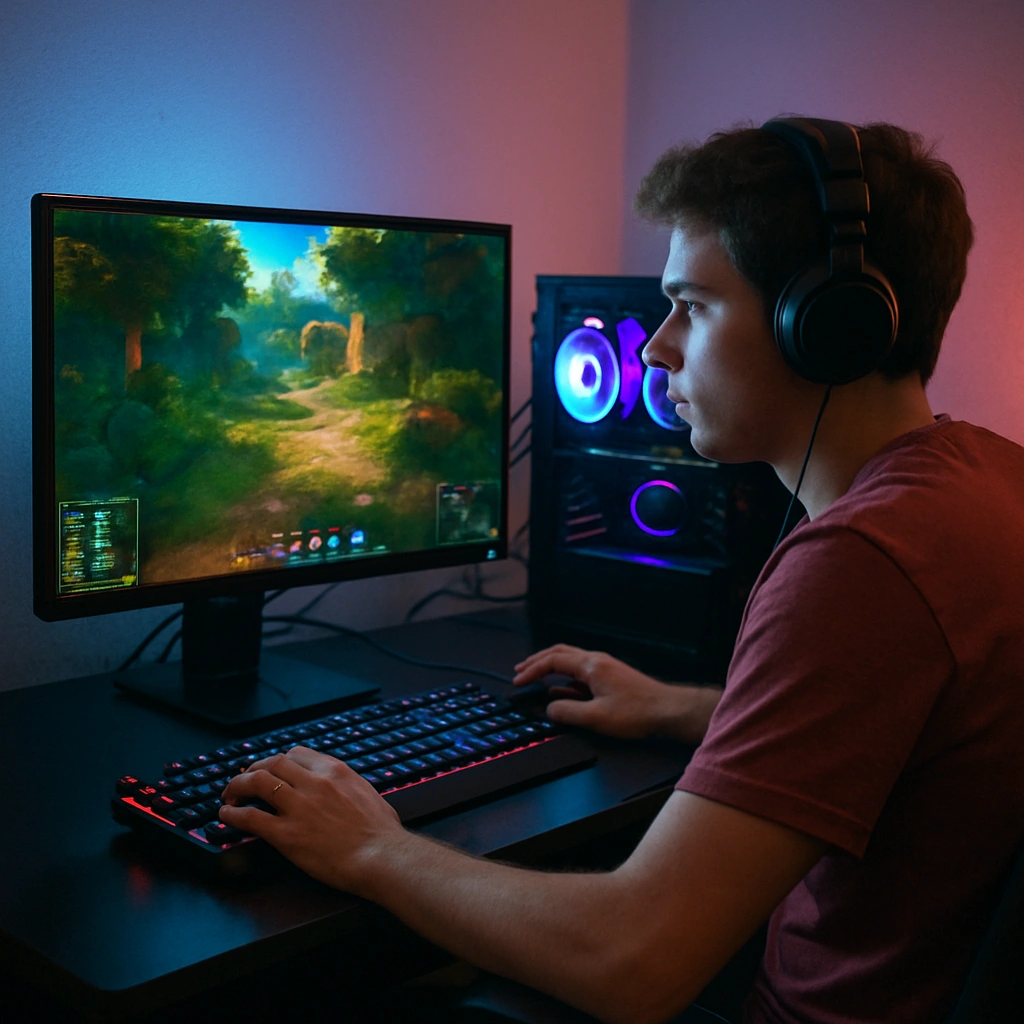
FPS stands for Frames Per Second. It measures how many images your screen displays in one second. A higher FPS results in smoother and more fluid visuals.
In gaming, FPS is crucial for responsiveness. Low FPS can lead to lag and stuttering, disrupting your experience. Higher FPS improves gameplay smoothness and control precision.
Achieving good FPS can enhance your gaming for the better. Consider these elements to understand FPS's significance:
Investing in FPS improvements is worthwhile for avid gamers. The following sections cover practical methods to increase FPS on your PC.

Boosting FPS can be simple and effective. You don't always need expensive upgrades. Start with these easy fixes to enhance performance.
First, ensure your system is clutter-free. Removing junk files can make a noticeable difference. Also, a clean hard drive allows quicker data access.
Second, tweak your display settings. Opting for a lower screen resolution can instantly increase FPS. It takes less processing power.
Here's a list of quick tips to try:
These methods require minimal effort but can produce great results. Try them before considering costly changes. They offer a quick win in enhancing gaming performance.
Keeping your graphics drivers up-to-date is crucial for optimal FPS. New drivers often include performance improvements and bug fixes. This can lead to smoother gameplay and fewer glitches.
Updating graphics drivers is simple. Most GPU manufacturers provide easy tools to manage updates. Regular checks ensure your system utilizes the latest enhancements.
Steps to update your drivers:
Stay proactive with driver updates for consistent performance. This small task can make a noticeable difference in your gaming experience.
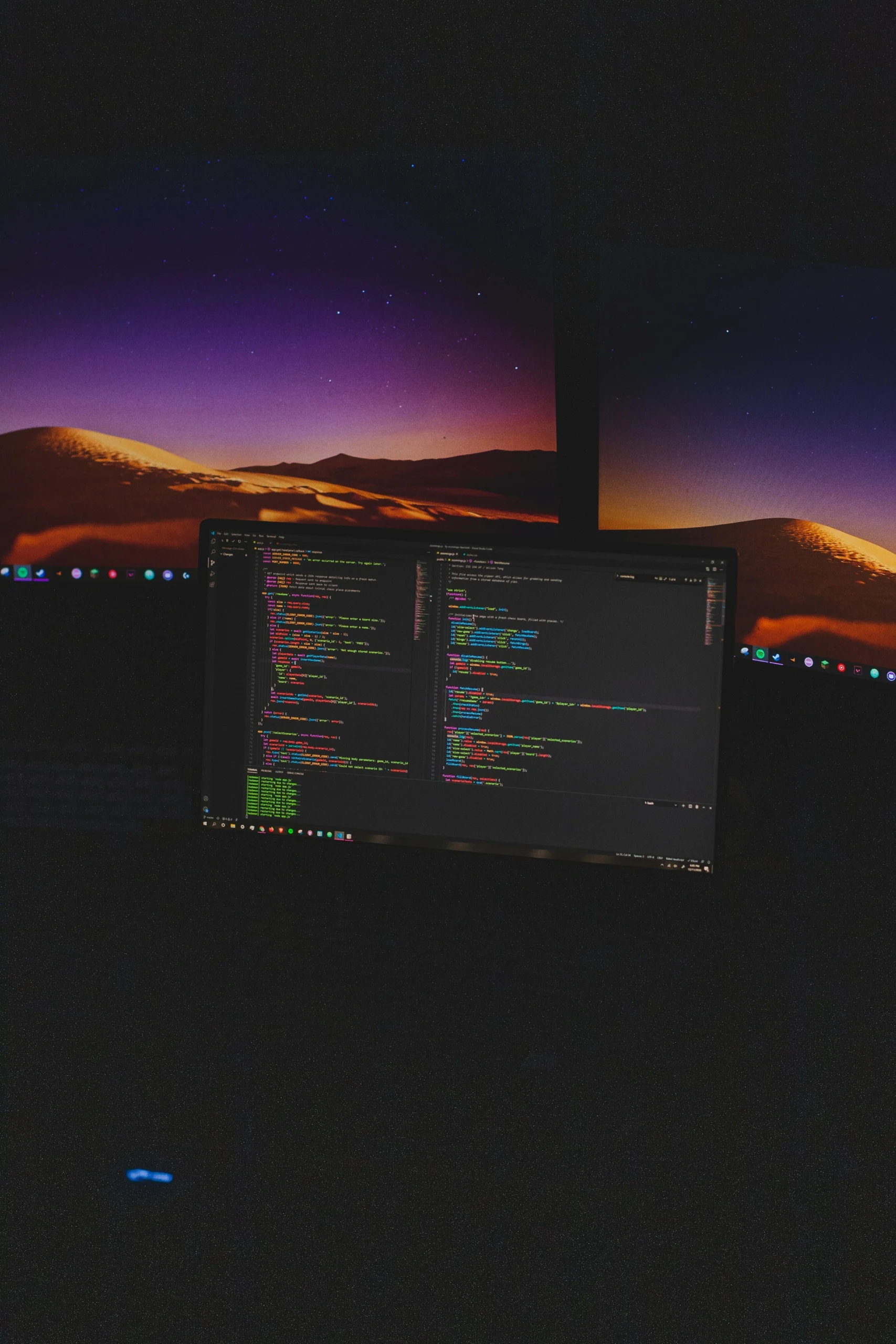
Tweaking in-game settings can significantly boost FPS. Many games offer graphical options that allow you to tailor performance. Lower settings generally mean higher FPS, enhancing gameplay smoothness.
Start by adjusting resolution and detail levels. Lowering these can immediately improve FPS. Experiment to find a balance between visuals and performance that suits your needs.
Key settings to optimize for better FPS:
Regularly tweaking these settings as games update can keep your performance stable. Remember, each game may need unique adjustments for optimal results.
Background applications can eat up valuable resources, lowering your FPS during gaming. Closing unnecessary processes can free up CPU and RAM for better performance. Always check what's running before starting a game.
Use Task Manager to identify resource-heavy programs. Focus on:
By regularly monitoring and managing open processes, you maximize your PC's available power. This simple step can lead to a noticeable FPS boost, offering smoother gameplay without additional upgrades.
Sometimes, boosting FPS requires hardware upgrades. Your graphics card and RAM are key components for gaming performance. If they are outdated, your games may suffer from low FPS.
Consider upgrading to a more powerful GPU. A dedicated graphics card can handle complex graphics more efficiently. Increasing your RAM can also help, especially in memory-intensive games.
A few hardware upgrades to consider:
Investing in better hardware ensures your PC can handle future games with ease. Upgrading offers long-term benefits, maintaining optimal FPS and elevating your gaming experience.
For tech-savvy users, advanced tweaks can be highly effective. Overclocking your GPU or CPU can squeeze out more performance. This boosts FPS, but it requires caution.
Before starting, ensure your cooling system is robust. Overclocking can increase heat output, potentially causing damage. Keep an eye on temperatures to avoid overheating.
Adjusting system settings can also help increase FPS. Change Windows' power settings to 'High Performance'. Disabling unnecessary visual effects can free up valuable resources.
Advanced tweaks include:
These tweaks can be risky, but they offer significant benefits if done correctly. Proper care and monitoring are essential to maintain a stable system.
Maintaining a clean and cool PC is vital for performance. Dust can clog fans and vents, leading to overheating. This can cause your system to throttle, reducing FPS.
Regular cleaning helps maintain optimal temperatures. Use compressed air to blow dust out and keep components cool. Ensuring proper ventilation also prevents heat buildup. This supports better performance.
Key points to remember include:
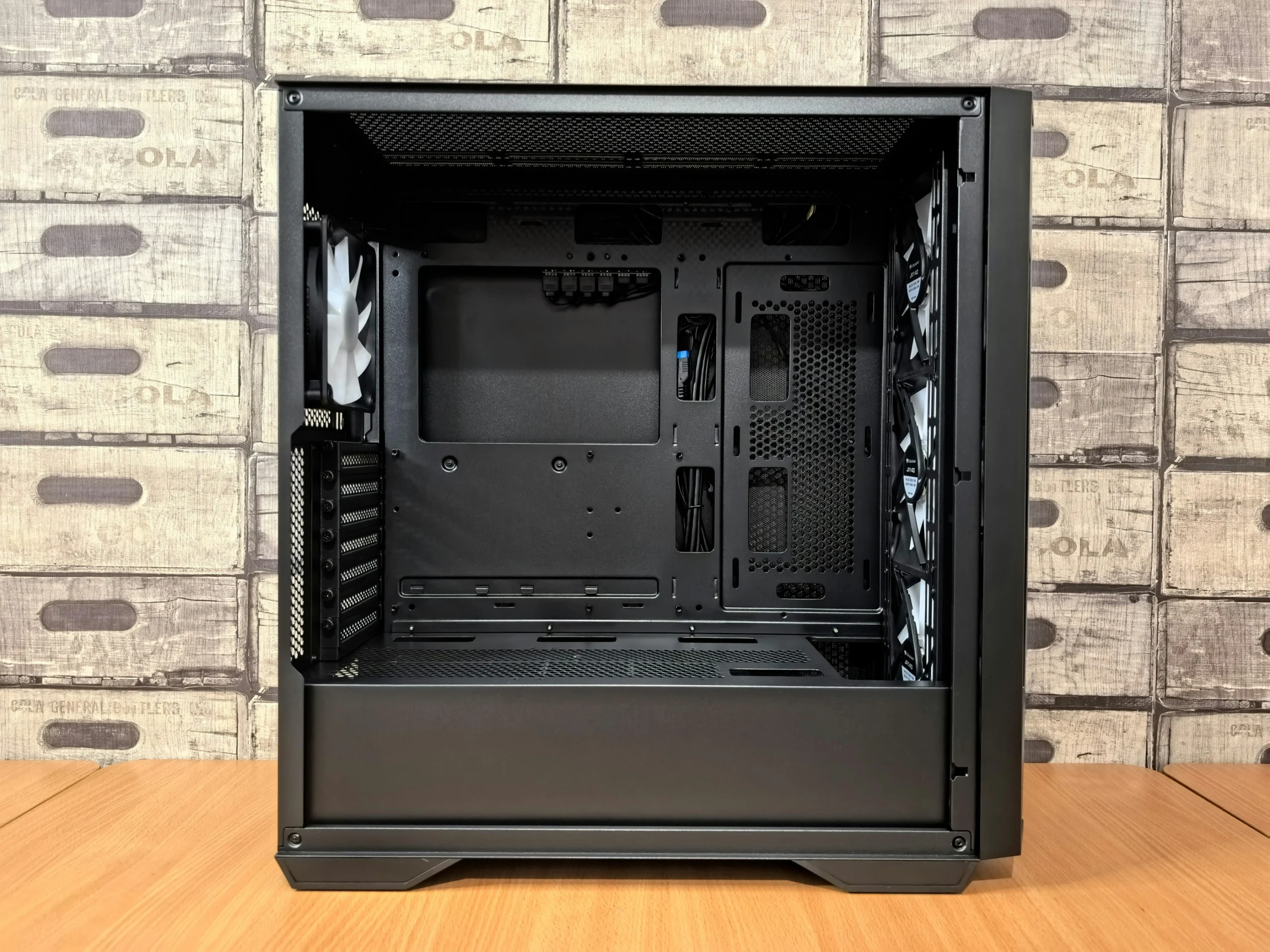
Keeping your hardware clean can extend its lifespan. A well-cooled PC runs smoother and supports higher FPS.
Game optimization software can automate performance enhancements. These tools tweak system settings for better FPS. They manage background processes and boost resources for gaming.
Consider using software that offers:
Using optimization software helps achieve a smoother gaming experience. It simplifies adjustments without manual intervention, maximizing your PC's capabilities.
Many gamers often ask how to increase FPS on their PCs. Here are some common questions answered briefly to help you achieve better performance:
To increase FPS, update your graphics drivers, optimize in-game settings, close unnecessary background apps, and consider upgrading your hardware if needed.
Upgrading hardware, like your graphics card or adding more RAM, may be necessary if your current components are outdated and unable to handle modern games efficiently.
Yes, software tweaks such as optimizing game settings, updating drivers, and using game optimization software can significantly boost your FPS without hardware changes.
The best ways include regularly updating graphics drivers, optimizing in-game settings, closing unused background applications, and considering hardware upgrades when needed.
These queries cover the basics of enhancing FPS. Understanding these concepts can lead to a noticeably smoother gaming experience.
Increasing FPS can transform your gaming experience, making it smoother and more enjoyable. Small adjustments can make a significant difference.
Here are the best ways to increase FPS on PC:
A combination of these strategies will ensure an optimal performance boost. Happy gaming!