


+15 More

Digital Aura Portal - FZCO
Building A1, Dubai Digital Park, Dubai Silicon Oasis, Dubai, United Arab Emirates Premises Number 72647 - 001
Business registration number: 70647


gamer-choice.com © 2026
Digital Aura Portal - FZCO
Building A1, Dubai Digital Park, Dubai Silicon Oasis, Dubai, United Arab Emirates Premises Number 72647 - 001
Business registration number: 70647
 September 20, 20257 min ReadElsa
Welcome to our complete Monster Hunter Wilds multiplayer guide, hunters. Playing solo can be fun, but teaming up with others makes every hunt more thrilling. The game introduces exciting multiplayer systems, though they may seem a bit confusing when you first start.
From creating Link Parties to sending SOS Flares, knowing the ins and outs of multiplayer is crucial. This guide will walk you through playing with friends or random players in Monster Hunter Wilds. We’ll explain each multiplayer feature, highlight their strengths and weaknesses, and show you how to unlock and set up lobbies for co-op play. Let’s dive straight into the details!
Buy MH Wilds Account
Get Monster Hunter Wilds accounts with top gear!

Unlocking multiplayer in Monster Hunter Wilds doesn’t take long, but it’s not instant either. Before you can team up with friends or strangers, you’ll need to get through the opening section of the game. Here’s how:
From this point, you can freely team up and enjoy Monster Hunter Wilds multiplayer. Of course, to play with friends, you’ll first need to add them—let’s see how.
Hunting with friends makes the adventure more enjoyable, but adding them isn’t just a one-click process. Here’s how to do it step by step:
After connecting, you’re ready to team up for co-op action. Keep in mind that a hunting party can only hold up to four players. You can also add people directly from your Lobby, Squad, or Link Party for faster access.
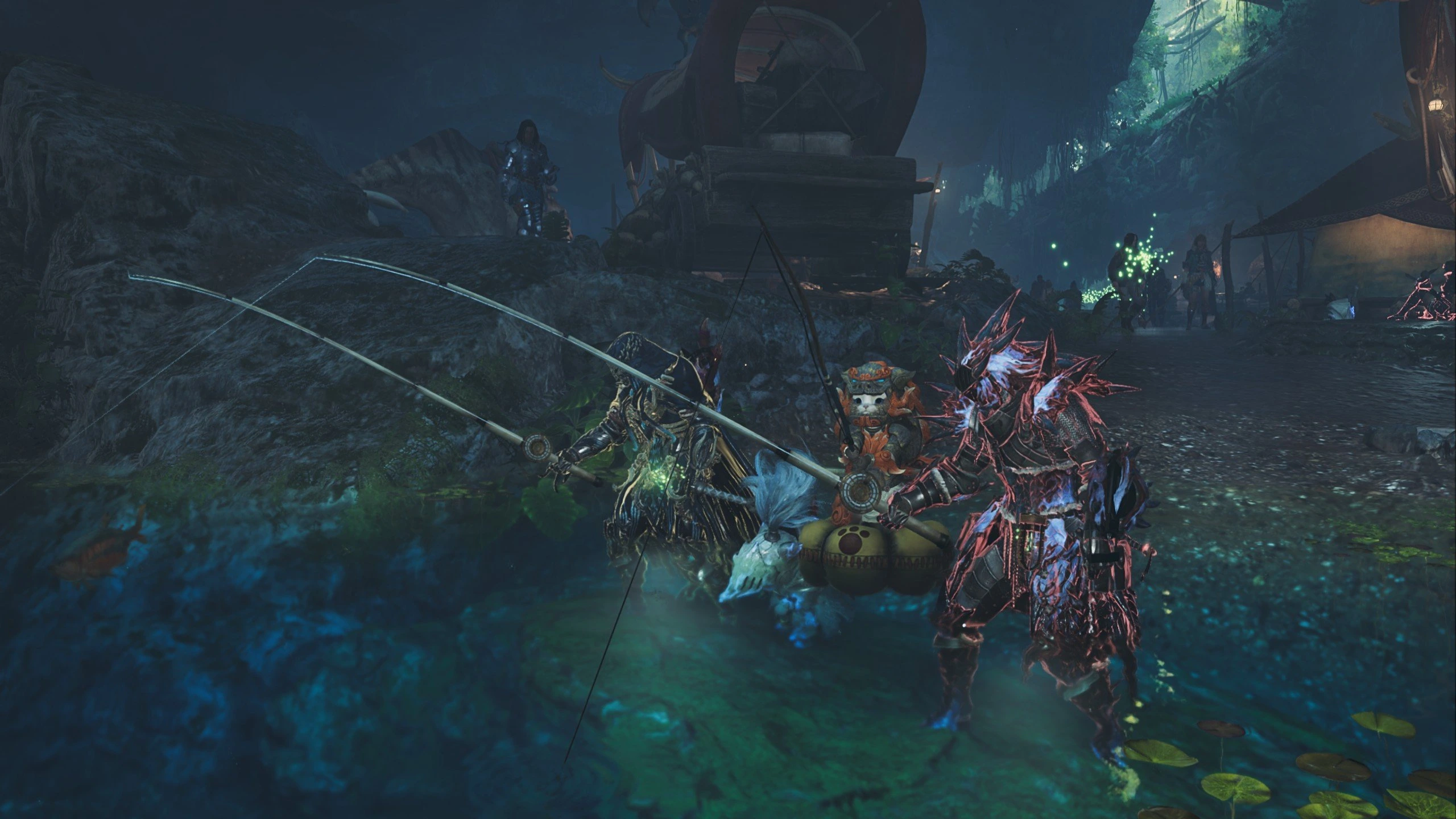
Setting up multiplayer isn’t as simple as in many modern games. Monster Hunter Wilds has multiple systems, each offering distinct pros and cons. Let’s break down the different options for playing with friends.
Lobbies are the backbone of Monster Hunter Wilds multiplayer. These online hubs can host up to 100 players who can chat, form hunts, and interact. When you log in, you’ll be placed into a random public lobby unless you choose one yourself. Think of them like MMO servers.
You can create a Private Lobby if you want a closed session with friends. To join a specific lobby, you’ll need the Lobby ID shared by the host.
Sharing a lobby doesn’t automatically put you in hunts together. To join hunts, you’ll need to form a Link Party, post on the Quest Board, or launch an SOS Flare. You can also use the Lobby Member List to send invites, add friends, or join active hunts.
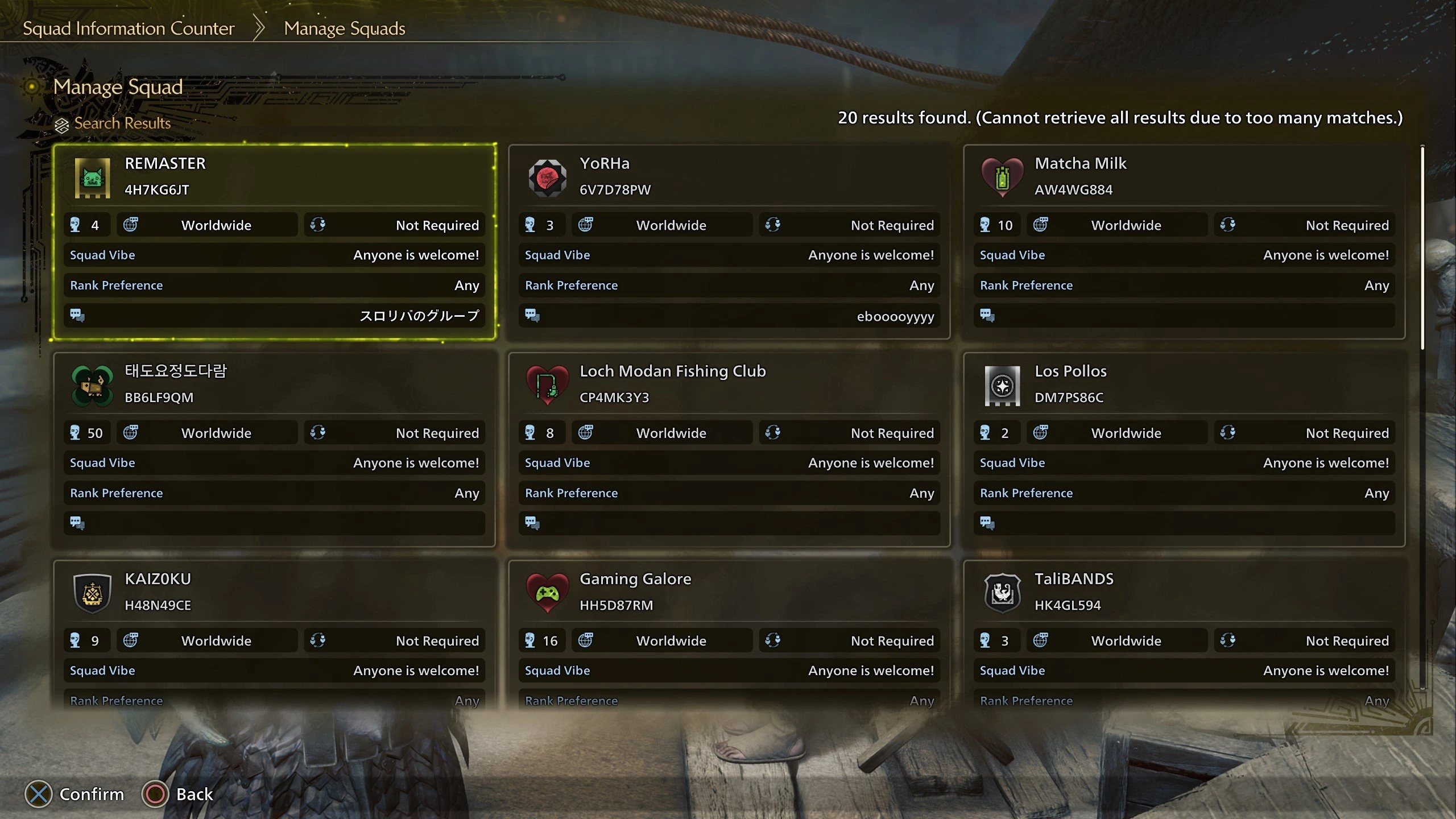
Squads function as guilds in Monster Hunter Wilds. Up to 50 players can band together for smoother coordination. If you play with the same group regularly, a Squad is the best option. Unlike Lobbies that reset when you log out, Squads persist across play sessions.
You can be in multiple Squads but must switch manually when changing groups. Each Squad comes with its own Squad Lobby for members to chat and post quests. Squad management is handled by Felicita, an NPC near the base camp tent.
To invite friends, provide them with your Squad ID from Felicita. Players can also request to join if they know the Squad name. Once inside, you can see who’s online, send invitations, or hop into ongoing hunts.
Link Parties are the most streamlined way to play in Monster Hunter Wilds multiplayer. They support up to four players and make coordinating with close friends much easier. Unlike large lobbies, Link Parties are focused and private, offering both voice and text chat options.
You can even invite players from different lobbies or platforms. To make one, go to the Communication menu and select Link Party. Invite players through their Hunter ID or, on PC, directly via the Steam friend list.
Once inside, members get automatic hunt invites whenever one player starts a quest. For shared exploration, use the Environment Link system to sync locations outside of quests.
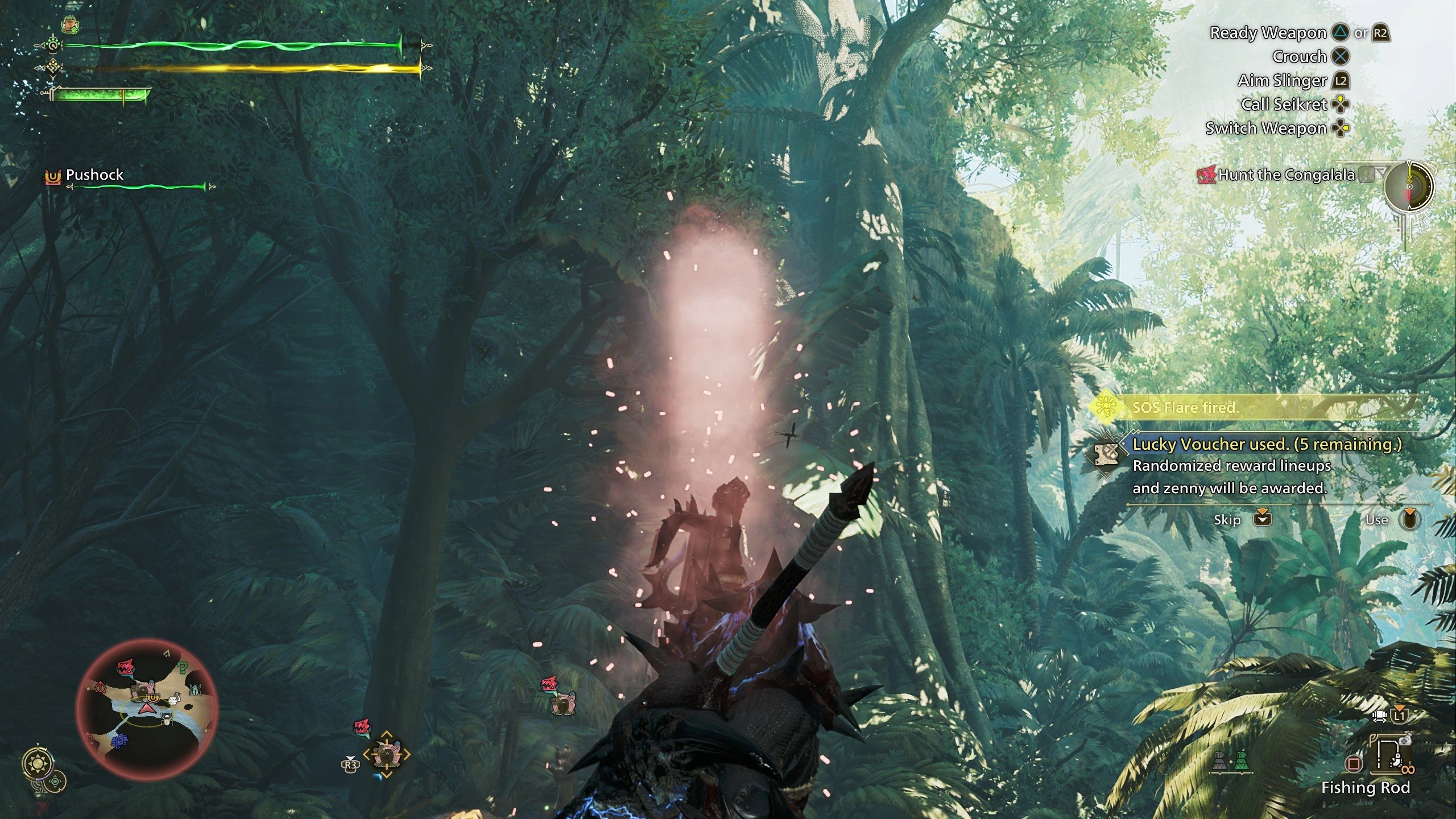
When things get tough mid-hunt, SOS Flares are your best friend. They let you call for assistance, and other hunters can respond by jumping directly into your quest. Here’s how to use them:
You can fire flares manually or enable auto mode in settings for automatic assistance. This feature is ideal if you usually play solo but want emergency backup.
When to use SOS Flares:
Environment Links let you and your friends explore the open world together outside of hunts. Unlike quest-only sessions, these links keep all players synced in the same version of the environment. That means shared weather, monster tracking, and gathering resources as a team.
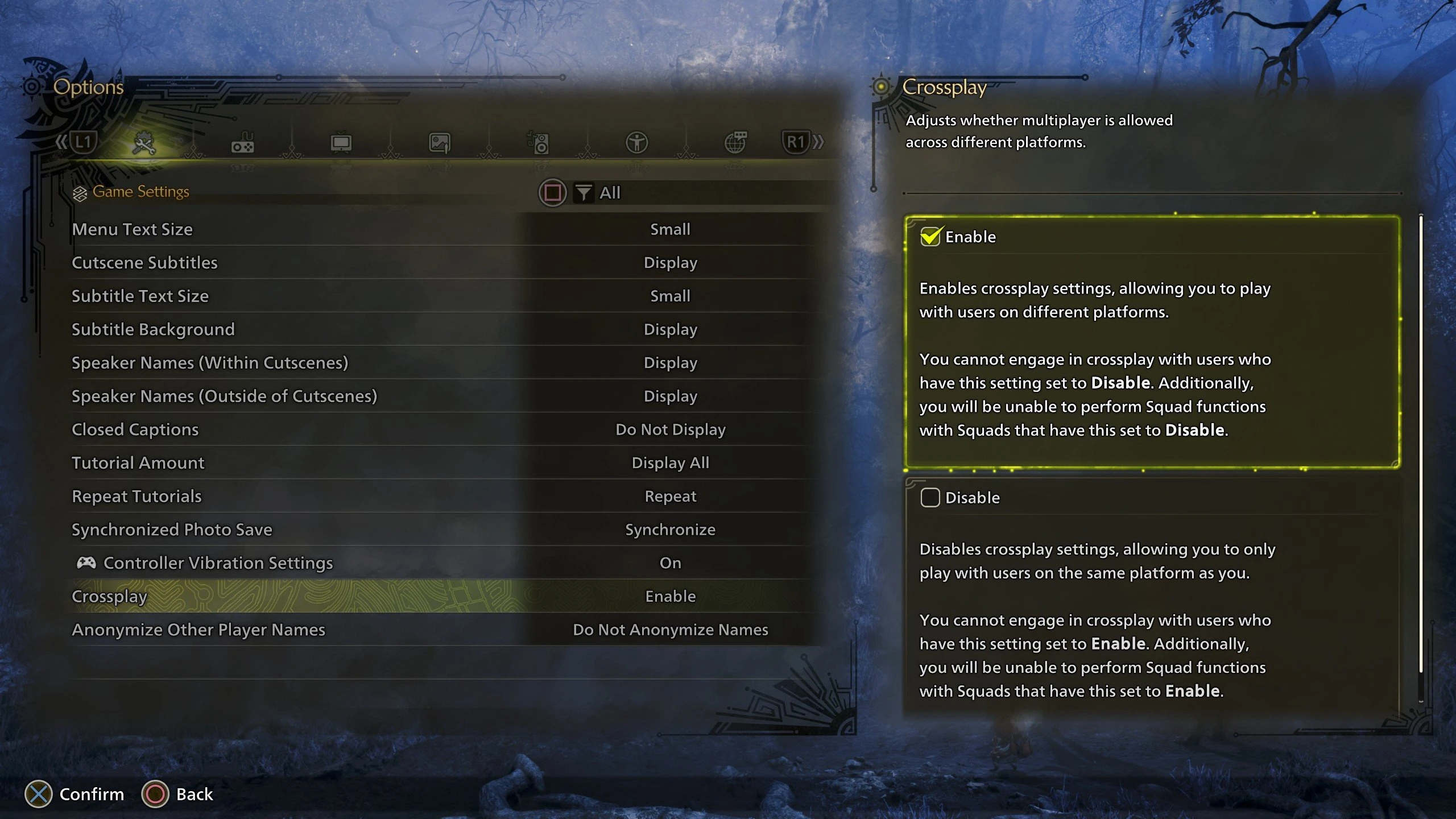
Crossplay in Monster Hunter Wilds ensures players across different platforms can enjoy multiplayer together. It’s enabled by default, but you can still toggle it:
On PC, you’ll need your friend’s Hunter ID to invite console players.
Teaming up in Monster Hunter Wilds multiplayer makes hunts more engaging and tactical. Solo play is absolutely possible, but playing together brings major advantages:
| Weapon Synergy | Different weapons complement each other, creating powerful team strategies. |
| Faster Hunts | More players mean higher damage output, leading to quicker monster takedowns. |
| Easier Stuns and Knockdowns | Coordinating attacks like hammer stuns or traps makes controlling monsters easier. |
| Better Survivability | If a teammate faints, others can keep the hunt going, reducing the risk of failure. |
| More Fun and Interaction | Planning, coordinating attacks, and pulling off team combos make every hunt more exciting. |
Monster health does scale with additional players, but not equally. The benefits of working as a team outweigh the increase in difficulty. We highly recommend trying multiplayer for a richer experience, though solo hunting is always an option for those seeking extra challenge.
Buy MH Wilds Account
Get Monster Hunter Wilds accounts with top gear!
Multiplayer works through systems like Lobbies, Link Parties, Squads, and SOS Flares. You can either join random hunters or create private sessions for more organized hunts.
First, join the same Lobby and add each other as friends. From there, create a Link Party or Squad to begin hunting together.
Yes, although some cutscenes and story sections are restricted to solo play. After these moments, you can invite friends to assist in hunts.
Yes, crossplay is turned on by default, allowing players across different platforms to join forces without issues.
Up to four players can form a hunting group in a Link Party or Squad, while Lobbies can host as many as 100 players at once.
Yes, the game requires an internet connection at all times, as online access is needed for its multiplayer features.
That’s our complete guide to Monster Hunter Wilds multiplayer. The game introduces flexible systems for teaming up, from Link Parties to Squads and SOS Flares. Features like environment links and crossplay help ensure friends stay connected across sessions. While solo is a valid way to play, multiplayer brings strategy, excitement, and camaraderie to every hunt. With so many options, teaming up in Wilds is more enjoyable than ever.