Steam Wallet Gift Activation
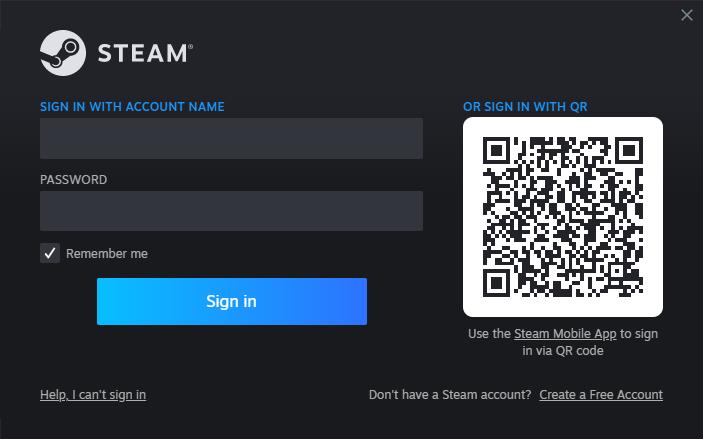
1. Sign into your Steam profile.
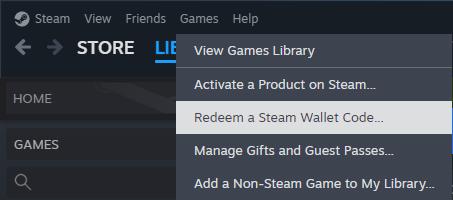
2. At the top-left corner, navigate to “Games”. From the dropdown menu, pick “Redeem a Steam Wallet Code…”.
3. Paste the key in the provided Steam Wallet Code field and press “Continue”.

4. Upon completion, a confirmation notice should display indicating successful code redemption.


+15 More

Digital Aura Portal - FZCO
Building A1, Dubai Digital Park, Dubai Silicon Oasis, Dubai, United Arab Emirates Premises Number 72647 - 001
Business registration number: 70647


gamer-choice.com © 2026